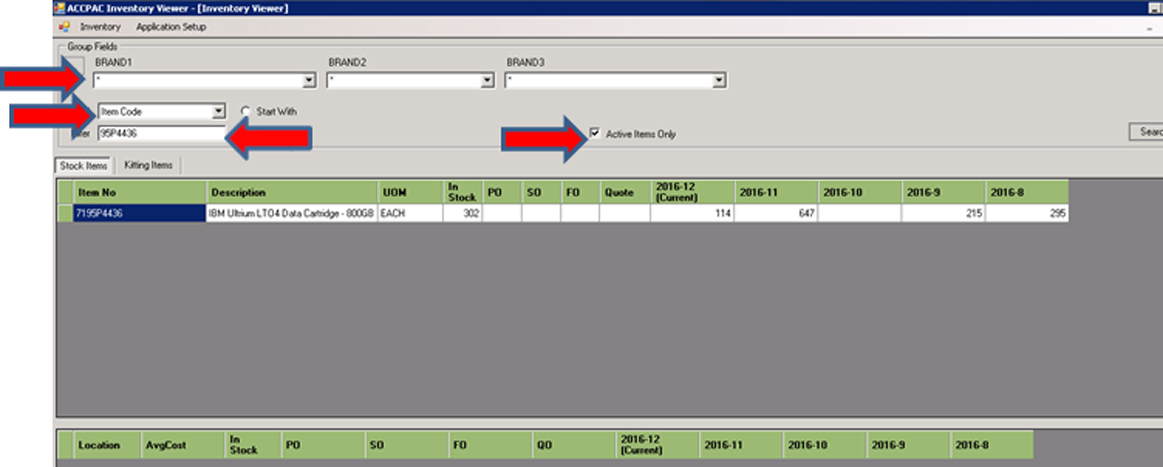
- Once the part number is inserted, click on the Search button – you will now see how many units we have in stock
- Right click on the part number (item number) to view the details of which stock location items are in. You will also see cost price, how many units are on order from supplier & how many Sales orders (SO) are against these items.