LG CRM Procedures
We search the customer/reseller under Company. Then add the person under Person. Under description, you add Quantity x product code. E.g 1 x 32MP60G
After clicking Save.

After click, on your right-hand side the green + . Then click New Quote.
Brand should be DC LG.
Sage300 Item Location should be TEC.
Description should be Product Code.
Details should be Product Code.
End user if they are not available is TBC (To Be Confirmed).
End user Country should be South Africa.
ROE is 1.

Then Click Next.
Under Products, you look for the product code which is on the PO or if Greg has prodvided one. You search first with the product but add 32 infront first. E.g 32-29WL500
Quantity you add the Quantity.
Under USD Custom List Price, you add the discount if there is a discount provided or the price is more than the USD List Price.
Then select the tick on the Exclude System Margin.
Then click save if you are done adding the SKUs or products.
If you have more products, click Save & New so that you add them.

On the next screen – press calculates quote totals to confirm price. Then Accept and add tracking note, save click on identified and add tracking note
Once AM has Forecast the Opp – go back to Quote and Sync to Sage 300 ERP and add the Sales Order Number and PO number if not already there
Open AccPac – enter SO number and tab. If the account is on hold, send an email to Order Release with any approvals:

Once hold is lifted – go back into AccPac and search using the SO number then: confirm the delivery address of the PO. If we deliver to the reseller we provide the reseller’s address.

If we deliver at the End user address, we provide the END User address even though the order is under the Reseller’s name.

Then click on POST and Yes to “print” then press print again on the up window and you will have an Order Confirmation / Picking Slip – click on this button and then OK OK to save (using SO Number)

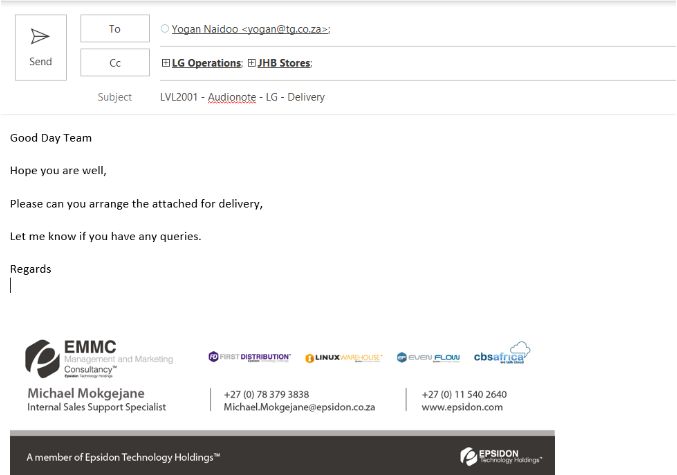
Open a new email. The below mail is sent when we deliver to the Reseller/Partner.
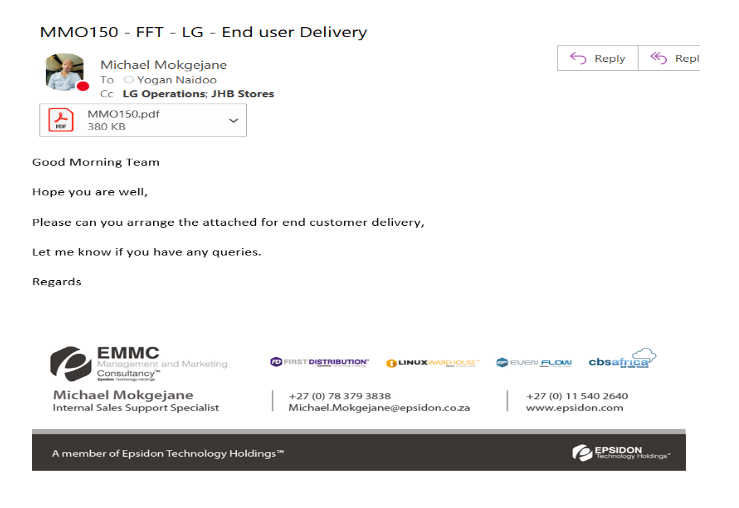
If we deliver stock to the End user, the below is the subject line and mail. First, we select the reseller name but we end the subject line with End user delivery. E. g FFT (RESELLER) – LG – ENDUSER DELIVERY.