When exporting Item Pricing.
Log onto Accpac
1st Search for the Brands Pricelist code
Go to Setup and click on Price List Codes
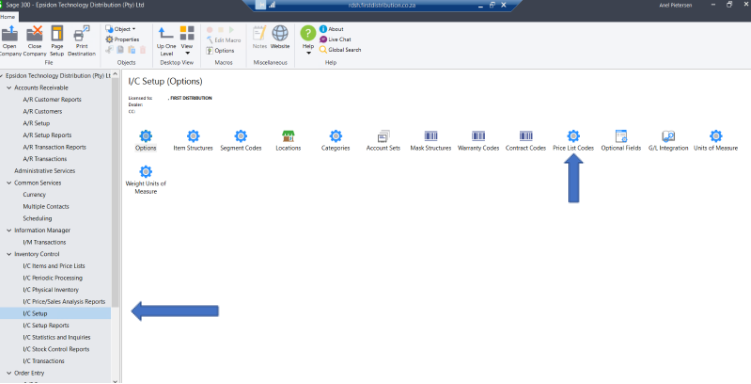
Search brand
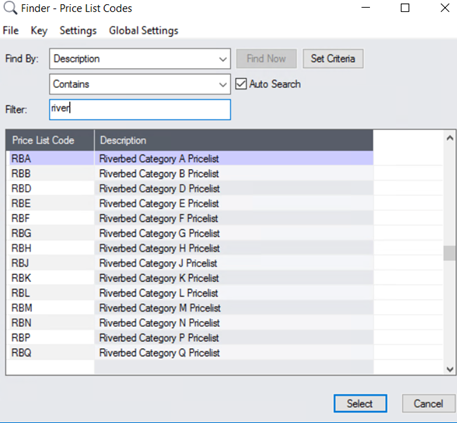
Once all brands have been found
Go to Item Pricing
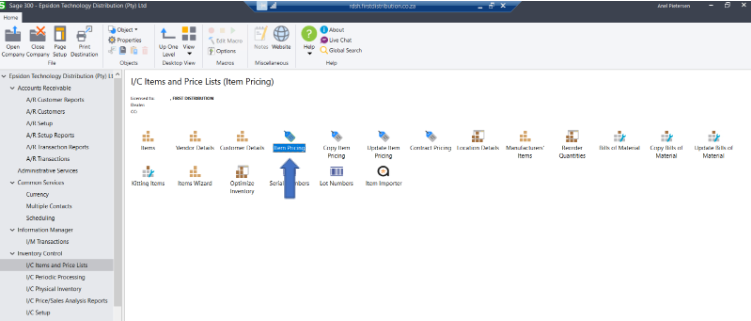
Click on file export

Click on browse and save name.
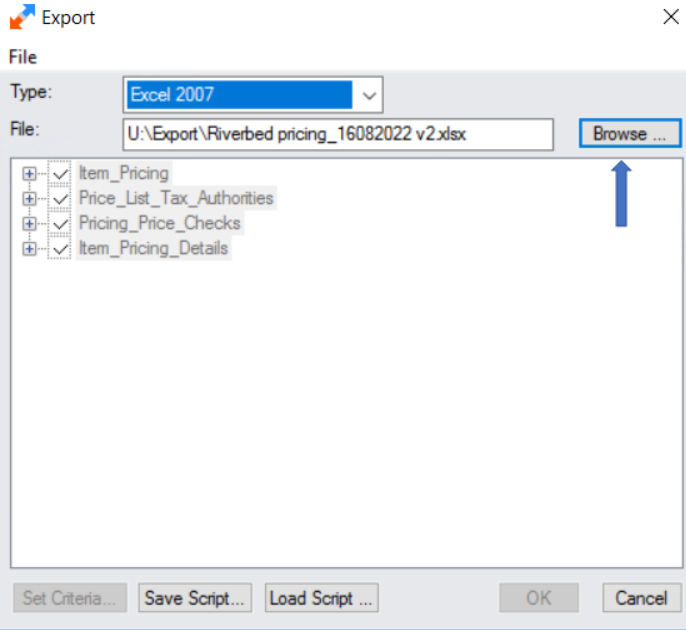
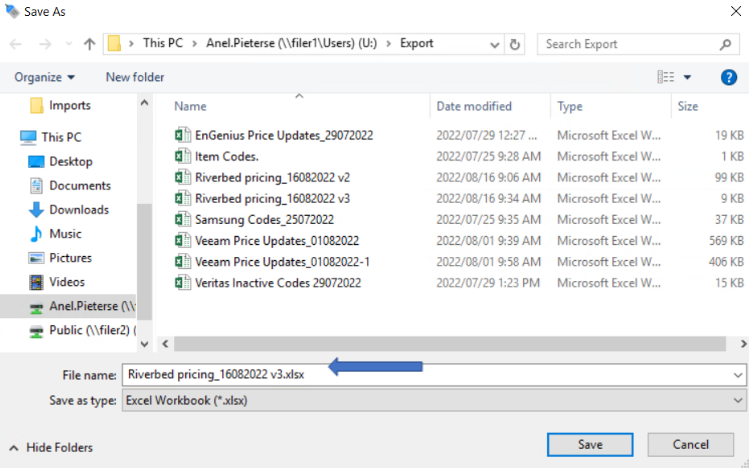
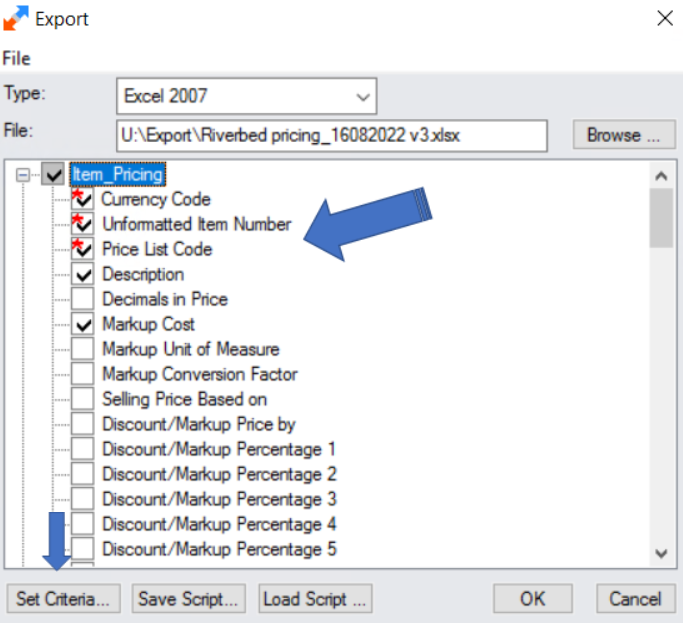
Select required headers (by using the space bar button, you can select and deselect quickly), then click on set criteria:
Click on the drop-down and choose the price list codes and click on Add
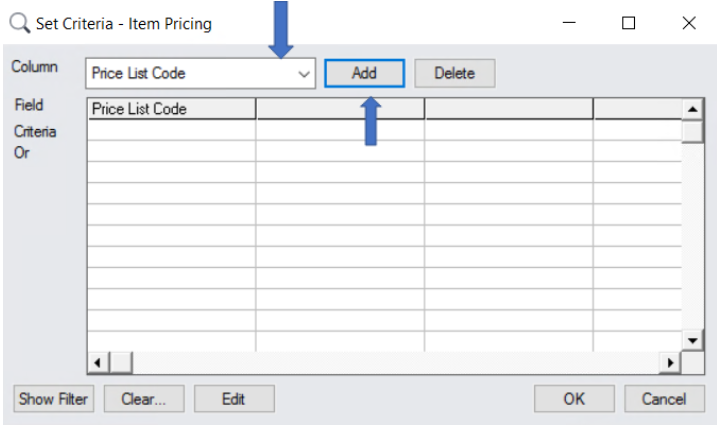
Add all the pricelist codes (you search under Setup in the beginning) and add them under the list column field. Do this bubble by clicking on each line and add the price list code.
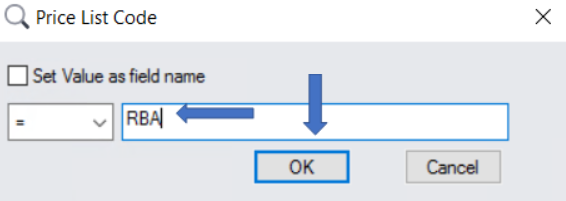
Once all has been added, click OK:
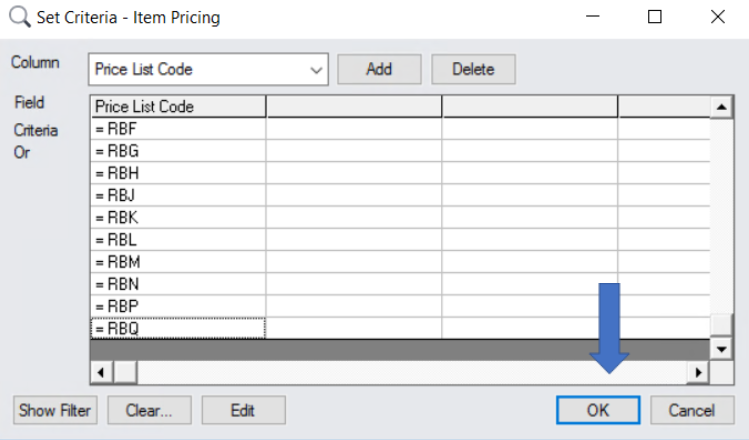
Click OK again to run the export.
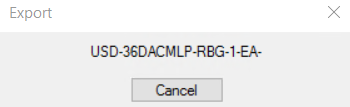
As soon as you see this, the export is running: