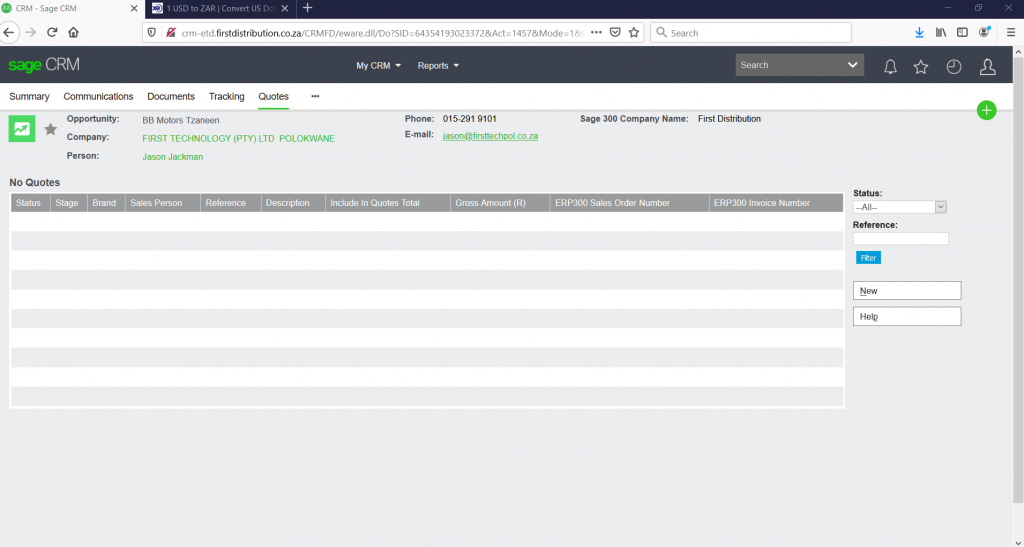
NB All highlighted areas in arrows must be filled when doing the quotes on CRM
STEP 1.
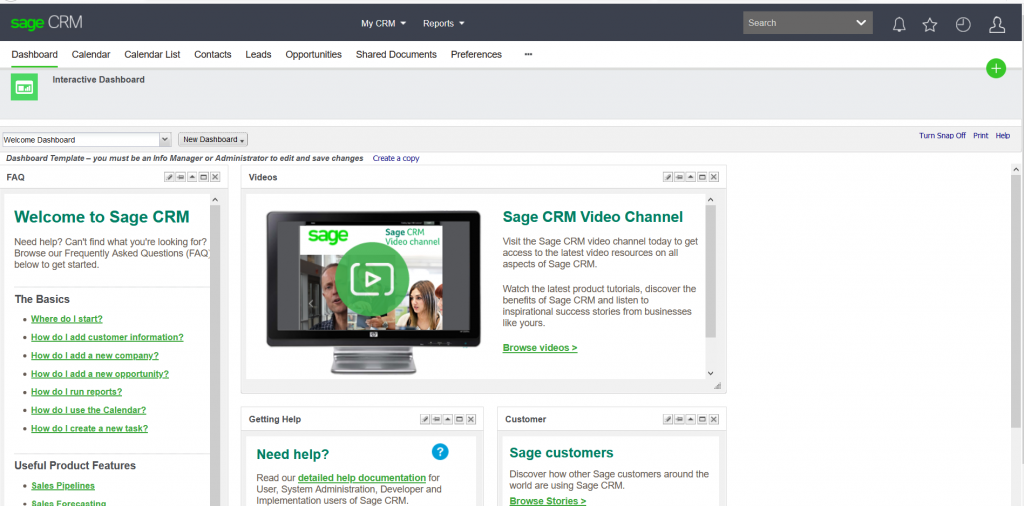
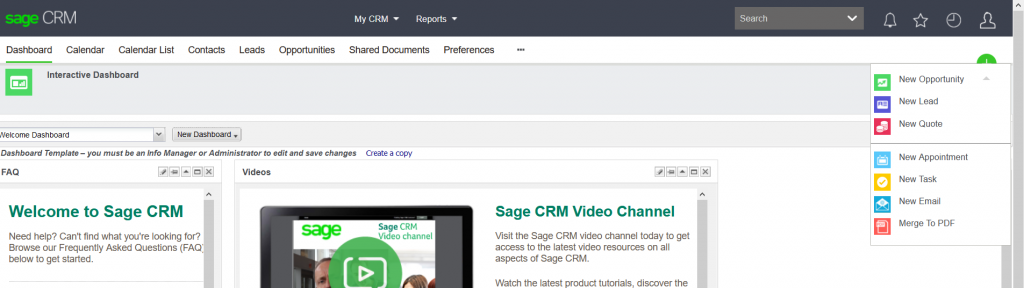
1. Click on + icon
2. Click on New opportunity
STEP 2.
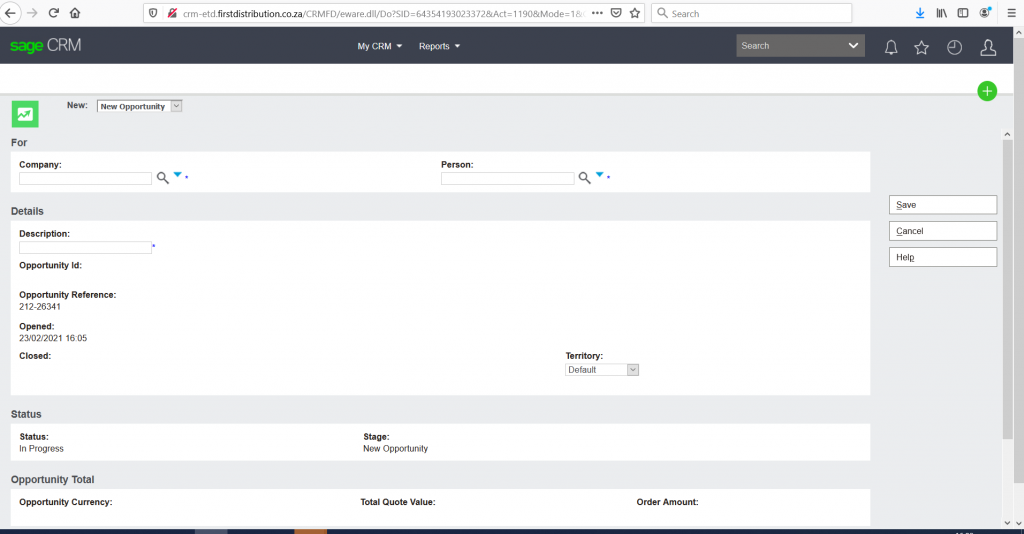
- Search Company name by inserting % on person column, it will pull company name, if no company name does not pull, ask salesperson to send details to Alvin to load company
- Change Default Territory from default to correct territory e.g. JHB
Step 3
- Click on quotes
- Click on New
- It will take you to new page