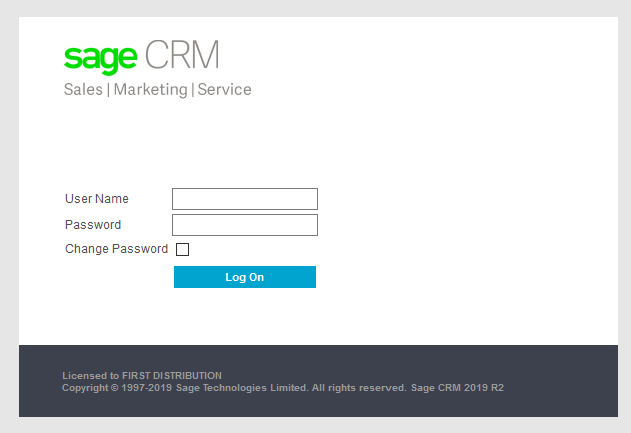
Log onto the CRM using Firefox and insert your unique Username and Password.
http://crm-etd.firstdistribution.co.za/CRMFD/eware.dll/go
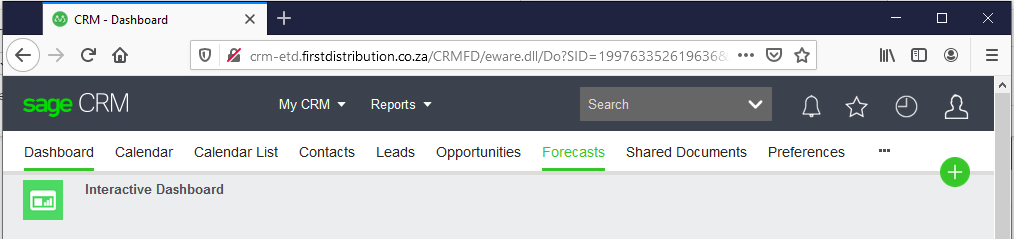
Once Logged in, you will see the following:

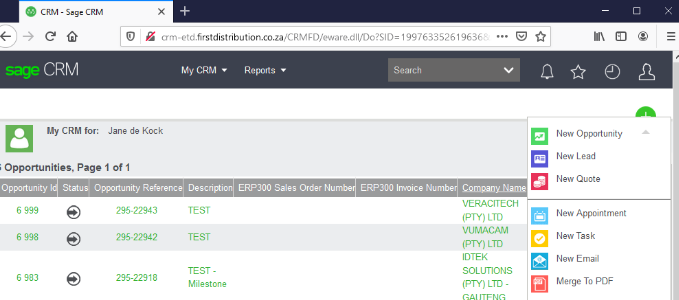
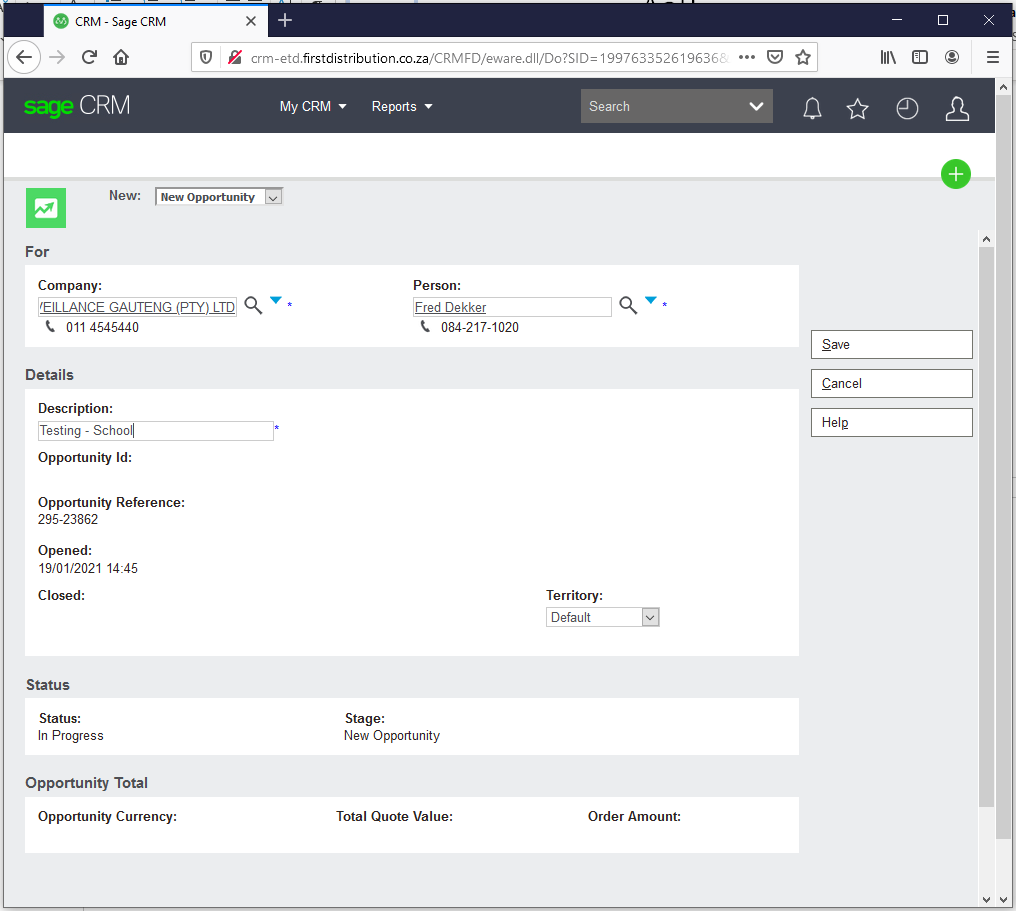
You will see there is a  at the right-hand side of the screen. Click on the plus sign and select “New Opportunity”.
Fill in the Company Name and click on the search button. The company name, as well as the Person needs to be underlined. Put in a brief description of the Opportunity. Click on the Save button.
NB: Please make sure that the Territory section is selected on Default. If it is on World Wide, it needs to be updated accordingly.
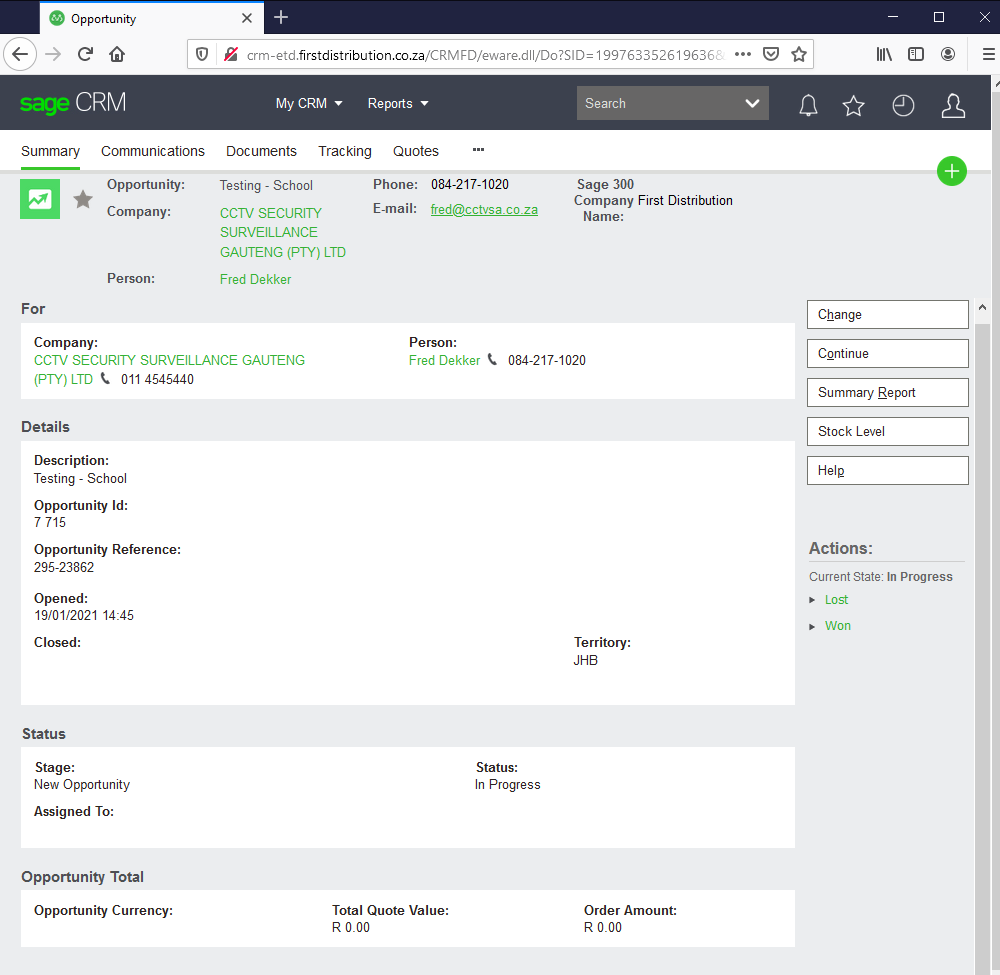
Screen after saved. Indicate the Opportunity ID, Opportunity Reference and other information.