
How to place the order on the EMC Portal
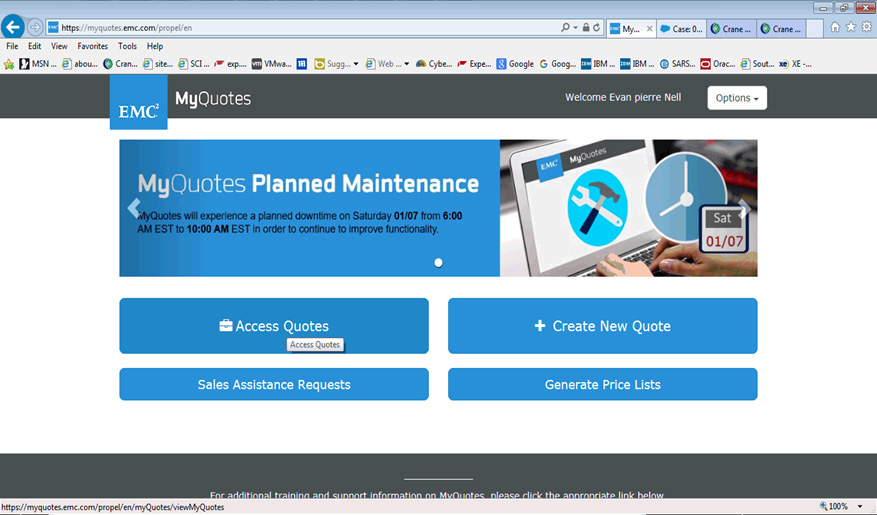
- Log onto :
| https://sso.emc.com/sso/login.htm?CTAuthMode=BASIC |
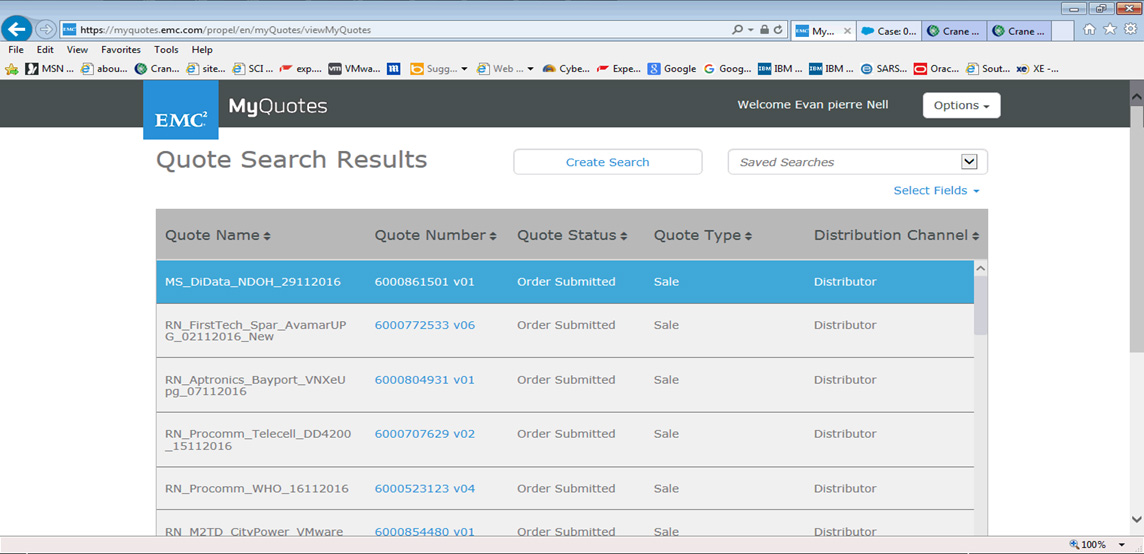
- Click on the quote number for the particular order.
- Check that the config matches the order the customer order and/ FD quote to the customer
- Click on Edit, start filling in details
- We fill in details, in Overview, Shipping, Billing and Install and Contract
- Save quote and place order
- Email Sales and advise that order has been placed